Dual screen POS terminals
An operator touch screen with a customer-facing second display on one base.
| Model | Screen | CPU | OS | RAM + storage | Resolution |
|---|---|---|---|---|---|
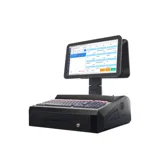 K11Desktop, dual screen | 15.6" dual screen | N2840 | Win7 | 2GB + 32GB | 1366*768 |
Model numbers link to the full specification. Blank cells: ask for the current datasheet.
K11 views
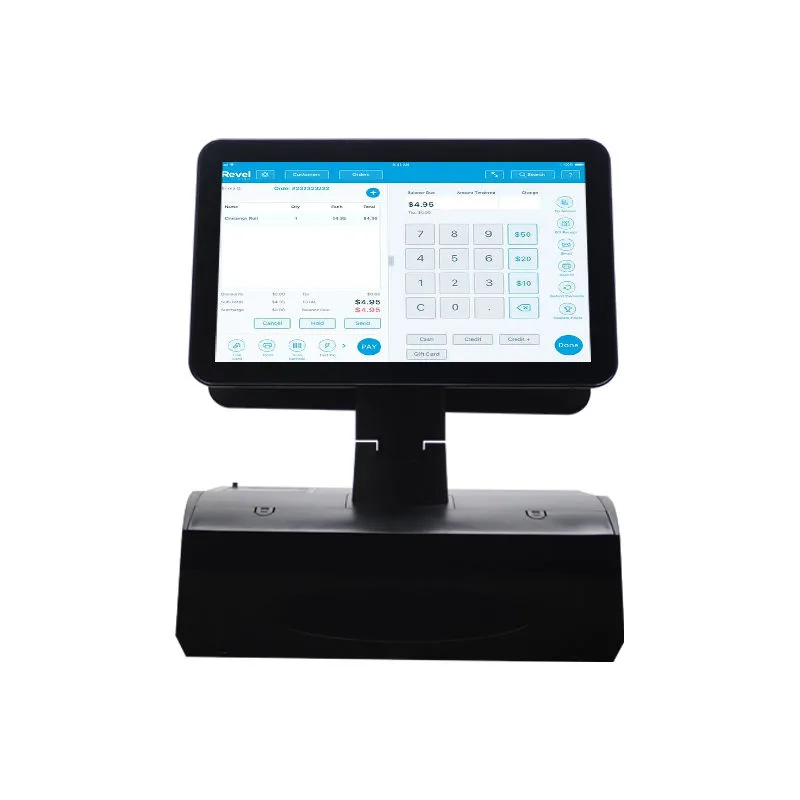
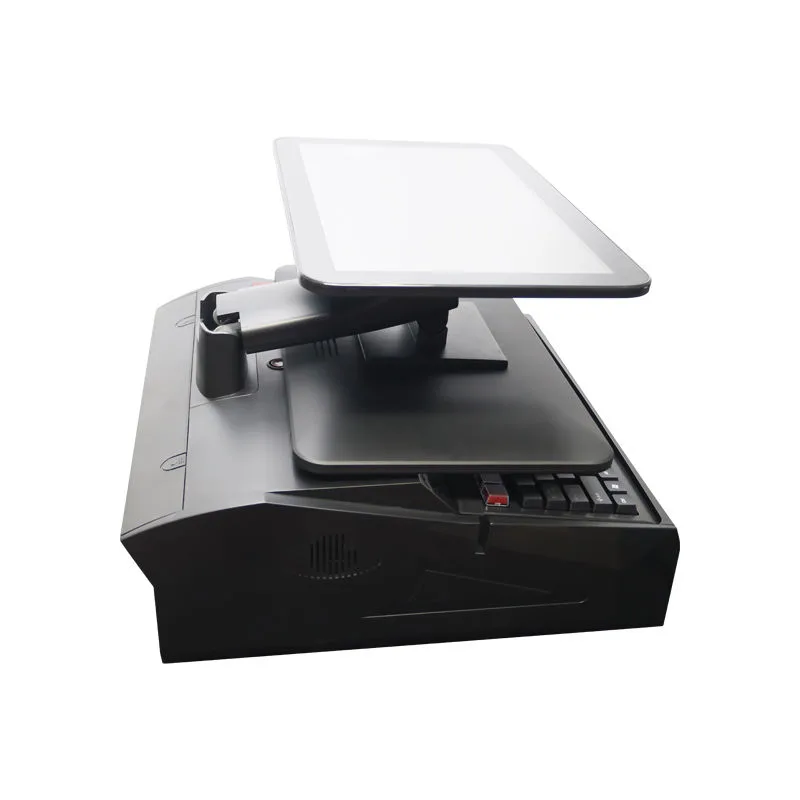
What the second screen is for
Order confirmation, price display and promotions facing the customer. Both screens run from one unit.
Platform
The K11 lists Intel N2840 with 2GB + 32GB and Windows 7. Ask about current CPU options if your software requires a newer Windows version.
Specify these in your inquiry
- Windows or Android, and the version.
- Peripherals: receipt printer width, scanner, customer display, cash drawer port.
- RAM and storage tier.
- Housing color and logo.
Dual screen POS system: what to specify in your RFQ
A dual screen POS system pairs one operator display with a customer-facing display on the same base. The table lists one configuration: a 15.6" dual screen unit, Intel N2840, Windows 7, 2GB RAM, 32GB storage. Think of it as a starting point, not a fixed bill of materials.
Before you send an RFQ, tell us which side the operator stands on, what OS your POS software requires, and which peripherals plug in. A pos system dual screen order usually needs a receipt printer width, a barcode scanner, a customer display type, and a cash drawer port. We build the housing and cable management around those choices.
Specify RAM and storage in tiers. If your software needs Windows 10 or 11, ask about current CPU options, because the listed N2840 pairs with Windows 7. Need a fanless chassis or a VESA mount? Tell us, and we'll let you know if that changes the enclosure.
Send us the peripheral list, the OS version, the RAM and storage tier, the housing color, and your logo artwork. We reply within 24 hours.
Integration and wiring for a dual screen POS terminal
A dual screen POS terminal runs both displays from one unit. No juggling two power supplies or two video cables. Depending on the OS and the POS app, the second screen mirrors or extends the operator interface.
Wiring is straightforward: DC input, one or two USB ports for peripherals, a LAN port, and on many configs, a cash drawer connector. Which ports you get exactly depends on the motherboard we use for your order. Need a specific connector? List it in the RFQ.
Think about cable routing before you mount the unit. The base sits on a counter, so run the power brick and network cable out the back. Using a receipt printer? Put it under the counter or beside the terminal and route the USB or serial cable through the base.
We don't supply POS software or payment readers. The payment app and its certified reader handle transaction security. Our hardware is the display and compute platform that runs your software.
Limits and what we do not make
We make the display hardware. POS software? Not ours. Payment terminal certification and third-party device integration? Also not ours. If you need a complete POS system, bring your own software and payment stack.
The table lists one dual screen configuration. Need a larger customer display, a brighter panel, or a different aspect ratio? Ask us. Maybe another model sits on the POS page, or we can talk through a custom housing.
We don't promise IP ratings unless a specific model lists one. For dusty or wet environments, check our rugged tablets or tell us the use case.
Receipt printer? Scanner? We don't make those, either. But we'll assemble them into the order if you ask. They're per-order peripherals, not our own designs. Specify exact models you want, or we'll quote a standard option.