Touch screen POS system hardware
Desktop, dual screen, Android and handheld POS terminals. We build the hardware. Your POS software runs on Windows or Android.
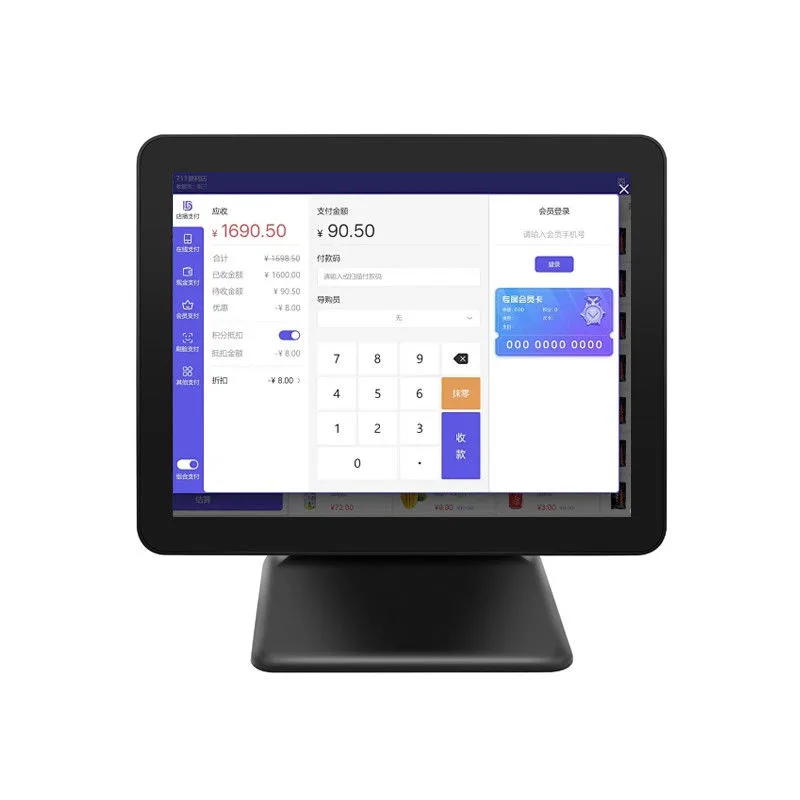
| Model | Screen | CPU | OS | RAM + storage | Resolution |
|---|---|---|---|---|---|
 HP1701SDesktop, single screen | 17" | N5095 | Win 10 | 8GB + 256GB | 1366*768 |
 HP-P1501Desktop, single screen | 15" | N100 | Win 10/11 | 8GB + 256GB | 1920X1080 |
 I8Self-service, wall or floor stand | 15.6" (18.5 to 32 inch options) | 1.7GHZ dual core CPU | Android, win10 | 8GB+128GB | 1366*768 |
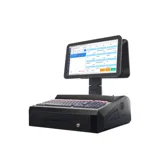 K11Desktop, dual screen | 15.6" dual screen | N2840 | Win7 | 2GB + 32GB | 1366*768 |
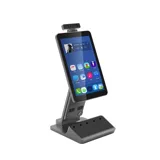 HP525Desktop, camera arm | 10.1" (16:10) | RK3568 | Android | 2GB + 16GB | 1280*800 |
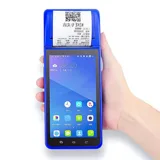 POS-6000Handheld, built-in printer | 5.5" | MT6580 | Android | 2/4GB + 16/32GB | - |
Model numbers link to the full specification. Blank cells: ask for the current datasheet.
Models on this page
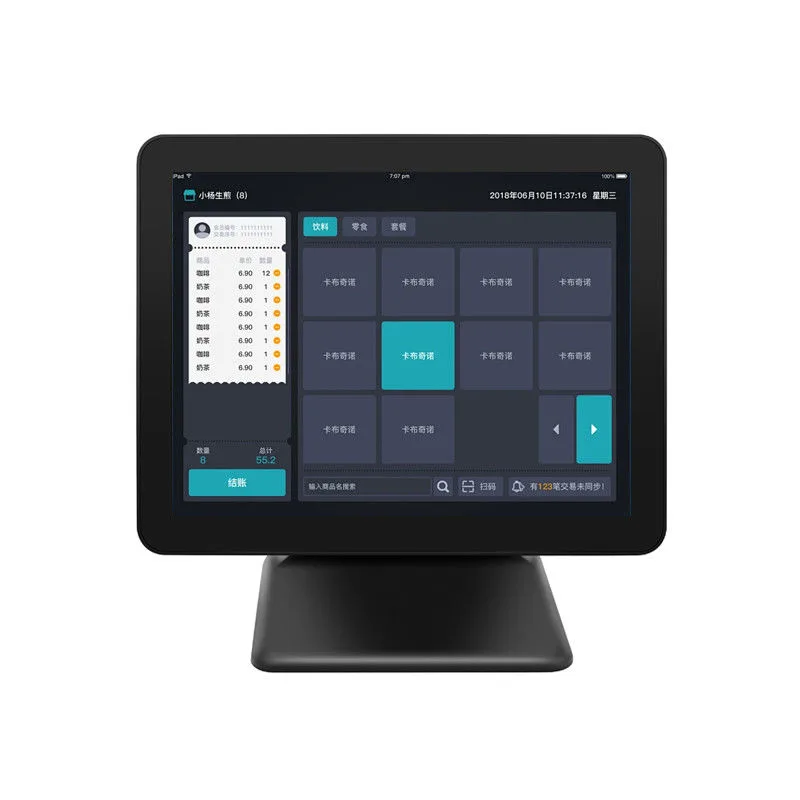 HP1701S17 inch N5095 Windows touch POS terminal17" / N5095 / Win 10
- HP-P150115 inch N100 Windows touch POS terminal15" / N100 / Win 10/11
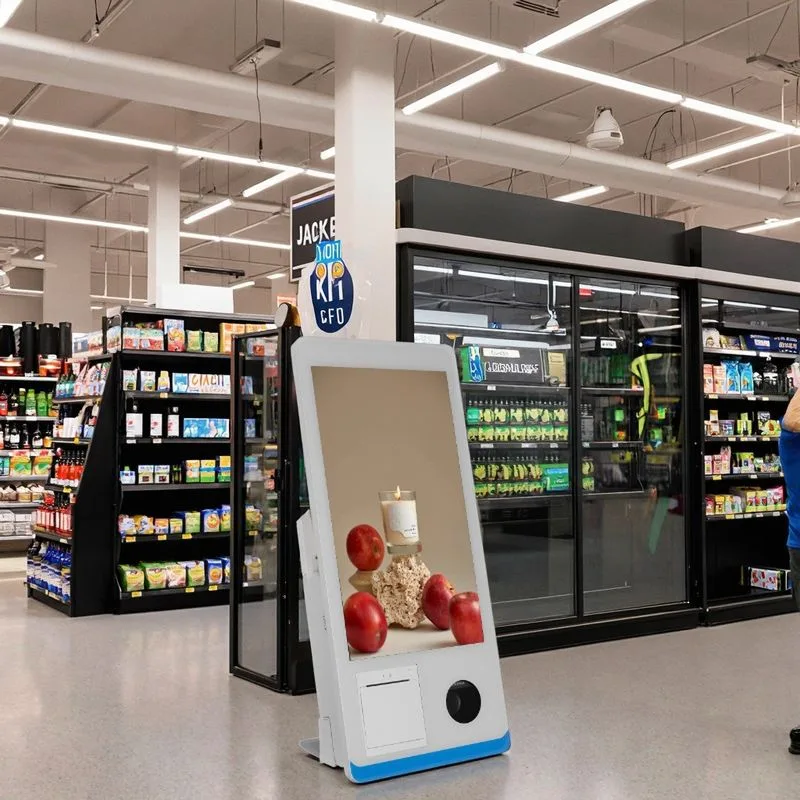 I815.6 inch self-service checkout POS terminal15.6" / 1.7GHZ dual core CPU / Android, win10
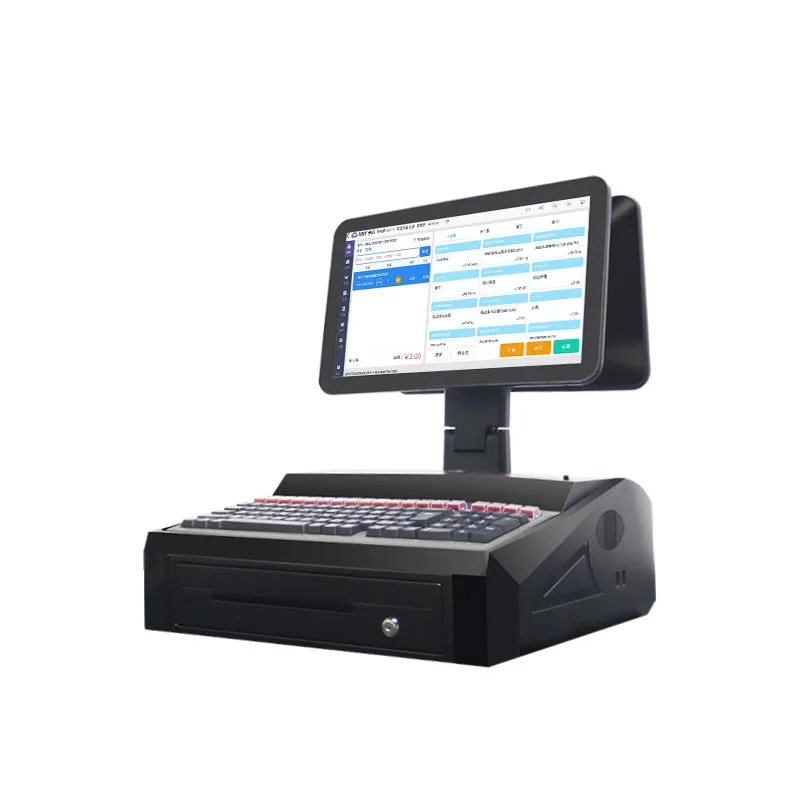 K1115.6 inch dual screen N2840 POS terminal15.6" dual screen / N2840 / Win7
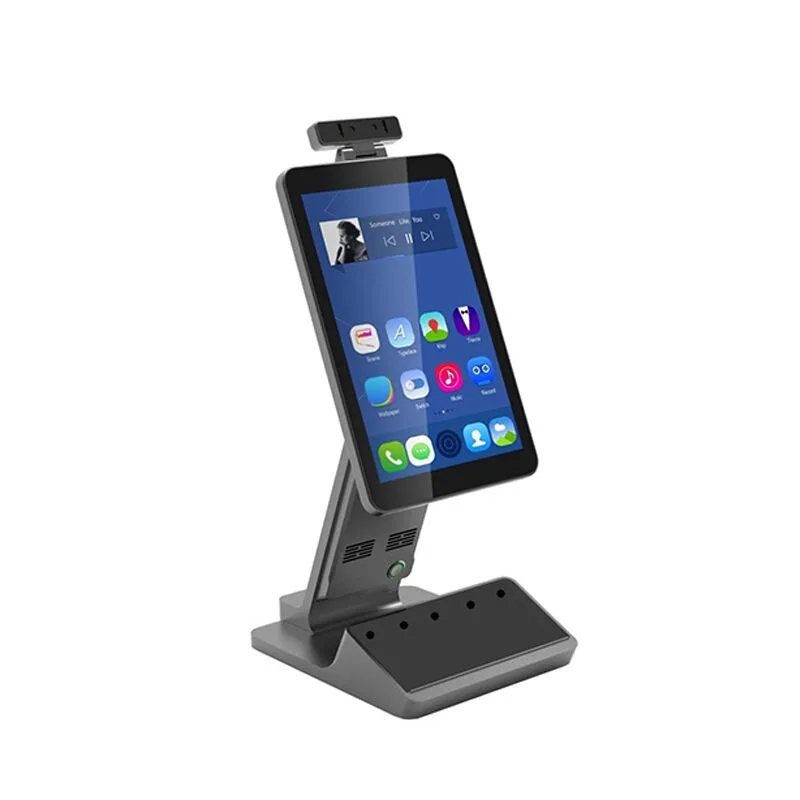 HP52510.1 inch RK3568 Android POS terminal10.1" / RK3568 / Android
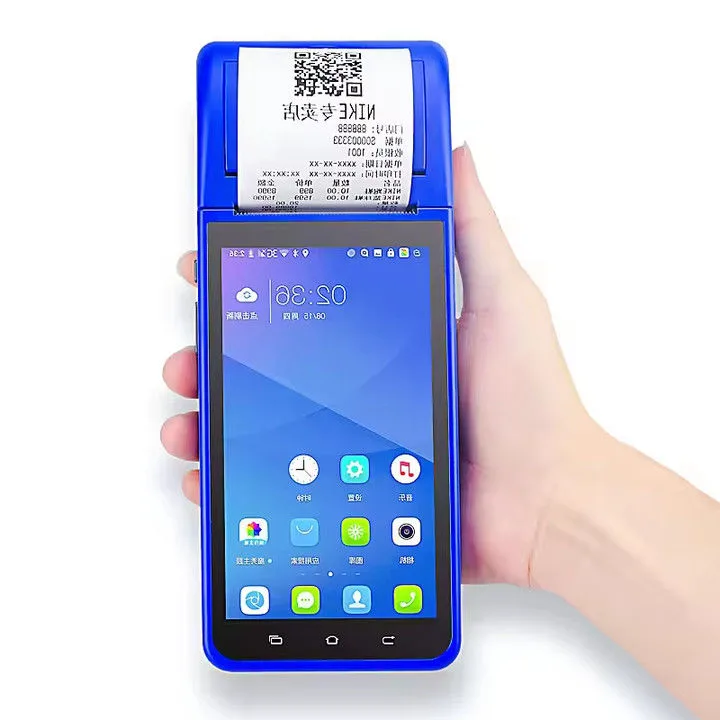 POS-60005.5 inch handheld POS terminal with printer5.5" / MT6580 / Android
Hardware, not software
These are POS terminals for software vendors, resellers and chains that bring their own POS application. Choose the OS your software supports first.
Intel or ARM
Intel N-series models list Windows 10 or 11. Rockchip and MediaTek models list Android. Where a model lists both, state which one you need.
Specify these in your inquiry
- Windows or Android, and the version.
- Peripherals: receipt printer width, scanner, customer display, cash drawer port.
- RAM and storage tier.
- Housing color and logo.
Touch screen POS systems: how to read the model table
The spec table on this page lists six models. They are not six versions of the same machine. Each row is a different hardware shape, and the shape decides where the terminal can go. HP1701S and HP-P1501 are single-screen desktop units that sit on a counter. Their 17-inch and 15-inch LCDs give your staff a familiar Windows point-of-sale interface. POS-6000 is a handheld terminal with a built-in printer, so it suits queue-busting or table-side ordering. I8 is a self-service kiosk that can be wall-mounted or placed on a floor stand, with screen options up to 32 inches. K11 is a dual-screen desktop unit, with the second display facing the customer. HP525 is an Android desktop terminal with a camera arm, often used for customer-facing or light-duty roles.
RAM and storage are listed per row. A 2GB/16GB model is fine for a single app that only runs the POS client. A 8GB/256GB model leaves room for Windows updates, local databases and antivirus. Pick the OS first: Windows 10/11 on the Intel N-series models, Android on the Rockchip and MediaTek models. Then check the resolution. 1366x768 is standard for POS, but 1920x1080 is sharper for product images or kitchen display systems.
What to put in your RFQ for this touchscreen POS system
Tell us the model row you are starting from and the exact configuration you want. If you are not sure, send us your software's minimum OS and RAM requirements, and we will tell you which row fits. Our OEM/ODM team can change the housing color, silk-print your logo, preload your POS app and adjust the boot animation. Peripherals are per order: receipt printer width, barcode scanner, customer display and cash drawer port. State whether the cash drawer port must drive a 12V or 24V solenoid, because we wire the RJ11 accordingly.
Specify the touch technology you expect. The table does not list PCAP or resistive details, so mention it in the RFQ. For the K11 dual-screen, tell us if the second screen is a customer display or a second operator screen. For the I8 self-service, tell us if you need the floor stand, wall bracket, or both. Include the quantity per model, the target market, and any packaging or manual language you need. We answer within 24 hours.
POS hardware integration limits we admit
We build the terminal, not the payment stack. Our hardware provides the touch screen, CPU, ports and optional peripherals, but payment application compliance belongs to your software and its certified reader. If your software uses a USB or serial card reader, we can mount the reader and route the cable internally, but the certification is your app provider's responsibility. The same applies to fiscal printer protocols: we provide the USB or serial port, not the fiscal middleware.
We do not make cash drawers, receipt printers or barcode scanners. We integrate them per order and test the wiring, but the peripheral's own warranty stays with its maker. We also do not write POS software. You can think of us as the Android POS terminal manufacturer who gives you a clean hardware base; your software vendor handles the application layer. If a model lists only Android, we cannot install Windows on it, and vice versa. The OS choice is fixed at the board level.