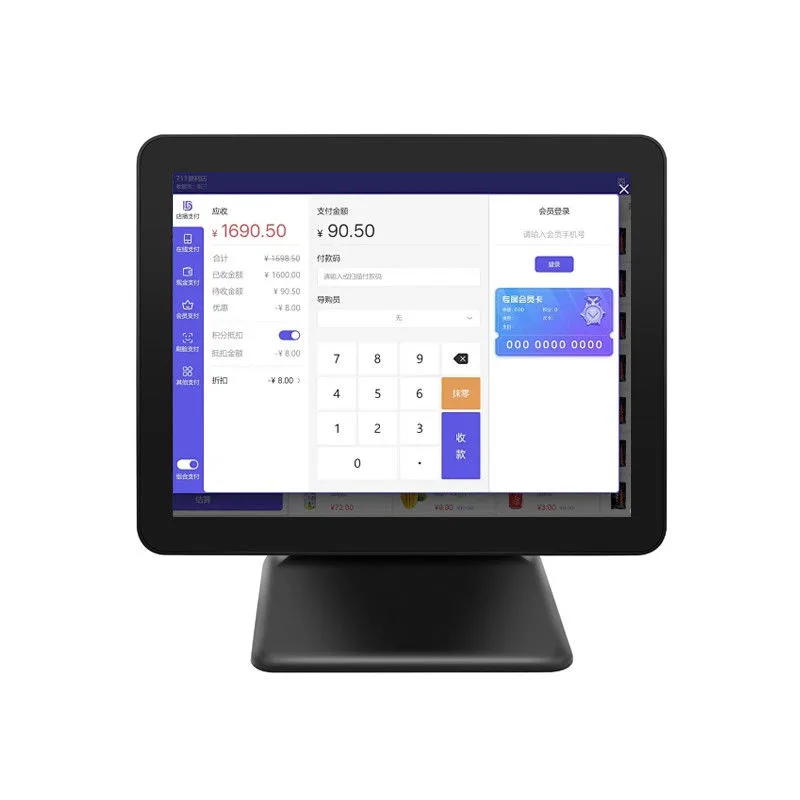
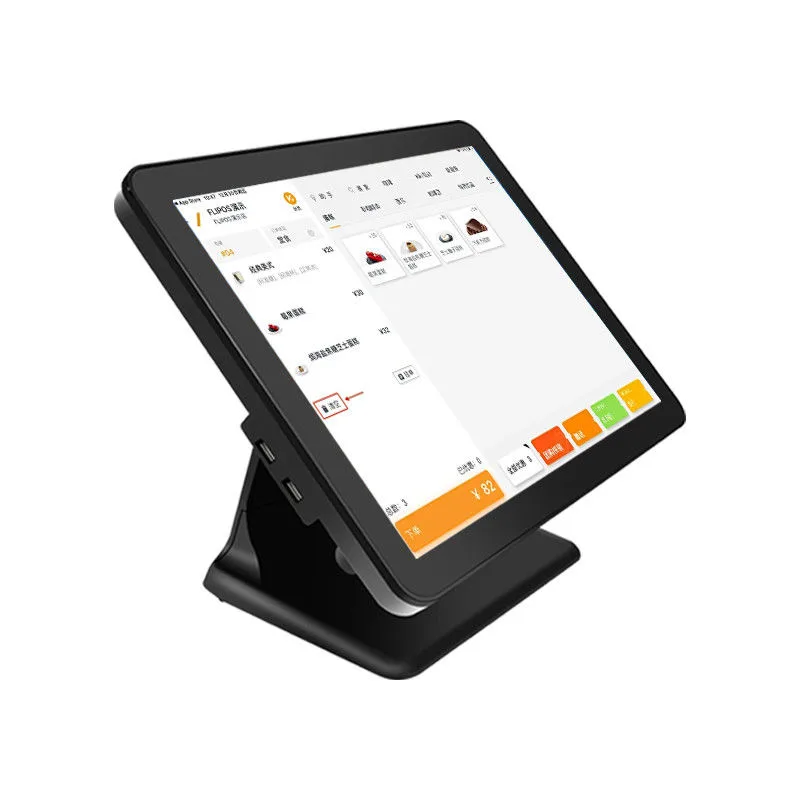
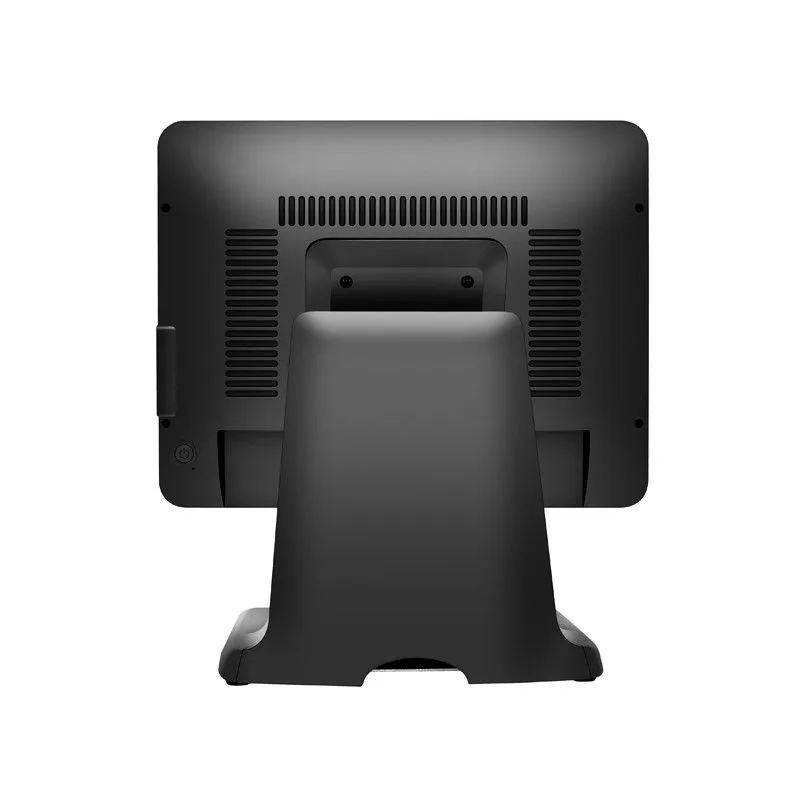
HP-P1501: 15 inch N100 Windows touch POS terminal
Desktop, single screen. N100, Win 10/11, 8GB + 256GB. OEM and ODM orders accepted.
- Model
- HP-P1501
- Screen
- 15"
- CPU
- N100
- OS
- Win 10/11
- RAM + storage
- 8GB + 256GB
- Resolution
- 1920X1080
- Form
- Desktop, single screen
- Minimum order
- 100PCS
HP-P1501 specifications
Values as listed for the standard configuration. RAM, storage, OS version and peripherals are configured per order.
| Size | 15Inch |
|---|---|
| CPU | N100 |
| System | Win 10/11 |
| Ram | 8GB |
| Rom | 256GB |
| Resolution | 1920X1080 |
| Touch Panel | 10-Point Capacitive Touch |
| Network | Wifi,Bluetooth |
| Usage | Restaurant, Retail Store ,supermarket , Coffee Shop ,self-service Ordering , Warehouse |
Configured per order
RAM and storage tier, operating system and peripherals are set when the order is placed. The table shows the listed standard configuration.
Software
The terminal ships with the operating system only. Your POS application is installed by you or preloaded on request.
Specify these in your inquiry
- Windows or Android, and the version.
- Peripherals: receipt printer width, scanner, customer display, cash drawer port.
- RAM and storage tier.
- Housing color and logo.
- LCD products carry a 1 year warranty.
Where the HP-P1501 Fits and Where It Does Not
The hp-p1501 is our 15 inch N100 Windows touch POS terminal. It fits a counter where you need a single, fixed touchscreen running full Windows 10 or 11. Think restaurant order entry, retail checkout, or a self-service kiosk in a café. The 1920x1080 panel gives sharp text, and the 10-point capacitive touch is responsive enough for fast tapping. With 8GB RAM and 256GB storage, it handles a POS app, a browser, and local databases without strain.
It doesn't fit every job. This model is desktop only, single screen. If your project needs a customer-facing display, look at our dual-screen POS terminals. If counter space is tight and you want Android instead of Windows, the Android POS line is a better match. And if you're arming a warehouse picker, a fixed desktop terminal is the wrong form factor. Say you need a handheld scanner and display, that's a different category.
We make this model for integrators who want a stable Windows endpoint. But we don't pretend it's a rugged device. It's a commercial countertop unit, not a tablet you can drop on concrete. For rough environments, ask us about our rugged Android tablets instead.
Specifying the HP-P1501 in an RFQ
Need more than the part number when you send an RFQ for the hp-p1501. Include the OS image you want: Windows 10 or Windows 11. Spell out the language pack and regional keyboard layout. Want a custom boot animation or a locked-down desktop? Say so. We can preload your POS application, but we'll need the installer and a clear list of required drivers.
Peripherals are per order. Don't assume a receipt printer or barcode scanner is included. Specify each peripheral, the interface (USB, serial, or Ethernet), and whether we install drivers. Same for a customer display or magnetic stripe reader. We ship the terminal with the standard port set. But the exact port map isn't published on this page. Ask for the current I/O drawing before you design your cabling.
Because this is a Windows device, you might handle your own OS licensing. We can image the unit, but the license key is usually your responsibility unless we agree otherwise. Tell us if you need volume activation or a specific Windows edition. We answer RFQs within 24 hours.
How the HP-P1501 Differs from Sibling Models
The hp-p1501 is a 15 inch N100 Windows touch POS terminal. Our HP1701S steps up in screen size and adds a different orientation option, while keeping the Windows platform. The HP525 is a more compact Windows terminal for tight counters. If you're open to Android, the i8 and K11 run Rockchip or MediaTek chipsets. They might fit projects where a lighter OS is fine.
One key difference is the processor. It's an Intel Alder Lake-N part with four efficiency cores. Not a high-performance i5 or i7. For a single POS app with a few background services, it's plenty. But if your software stack includes heavy local analytics or multiple virtual machines, tell us.
Check the mounting options, too. This page lists the form factor as desktop with a single screen. If you need VESA mounting or a pole mount, confirm with us before ordering. We can often accommodate it. But it's not a given on every batch.